Leaderboard




Popular Content
Showing content with the highest reputation on 06/11/21 in Posts
-
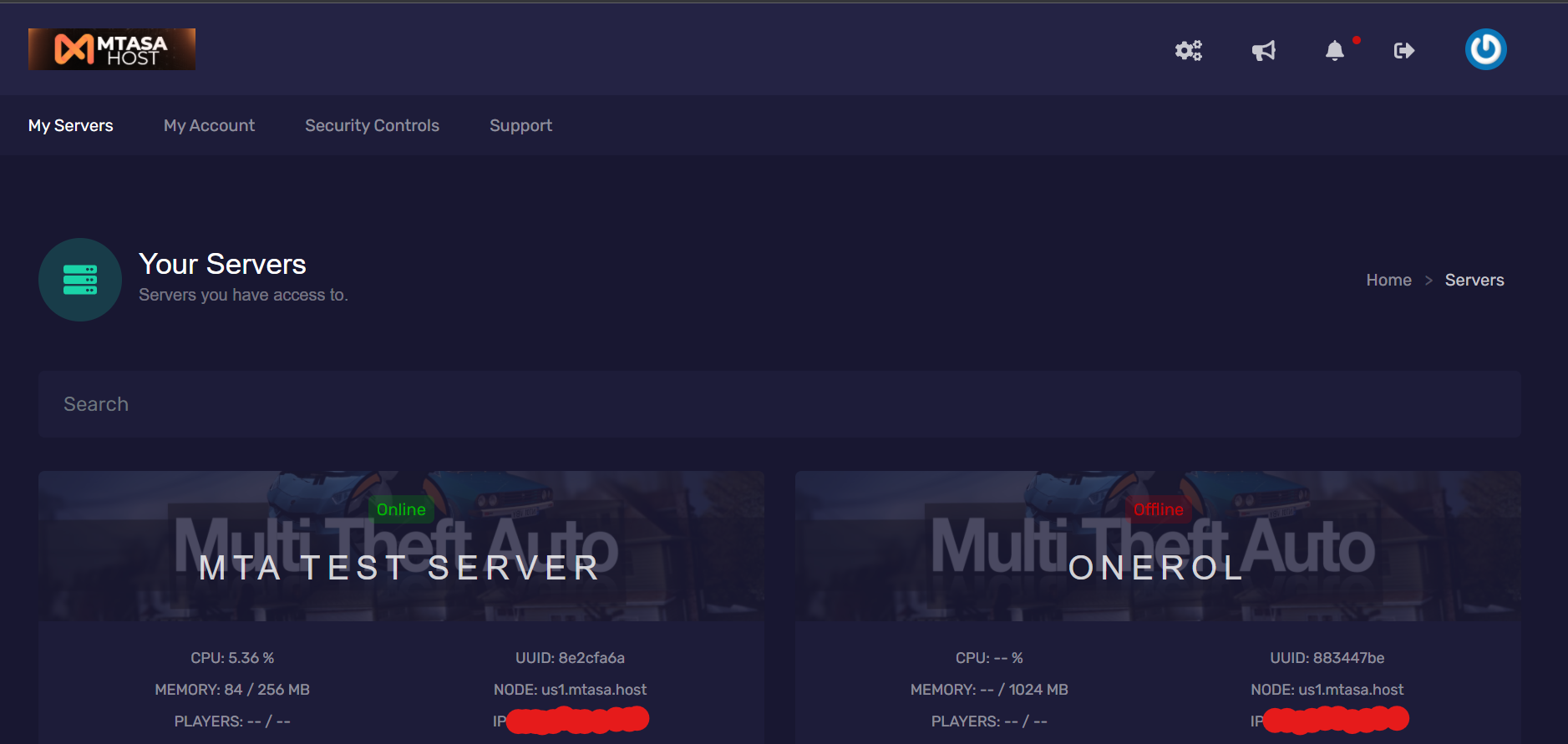
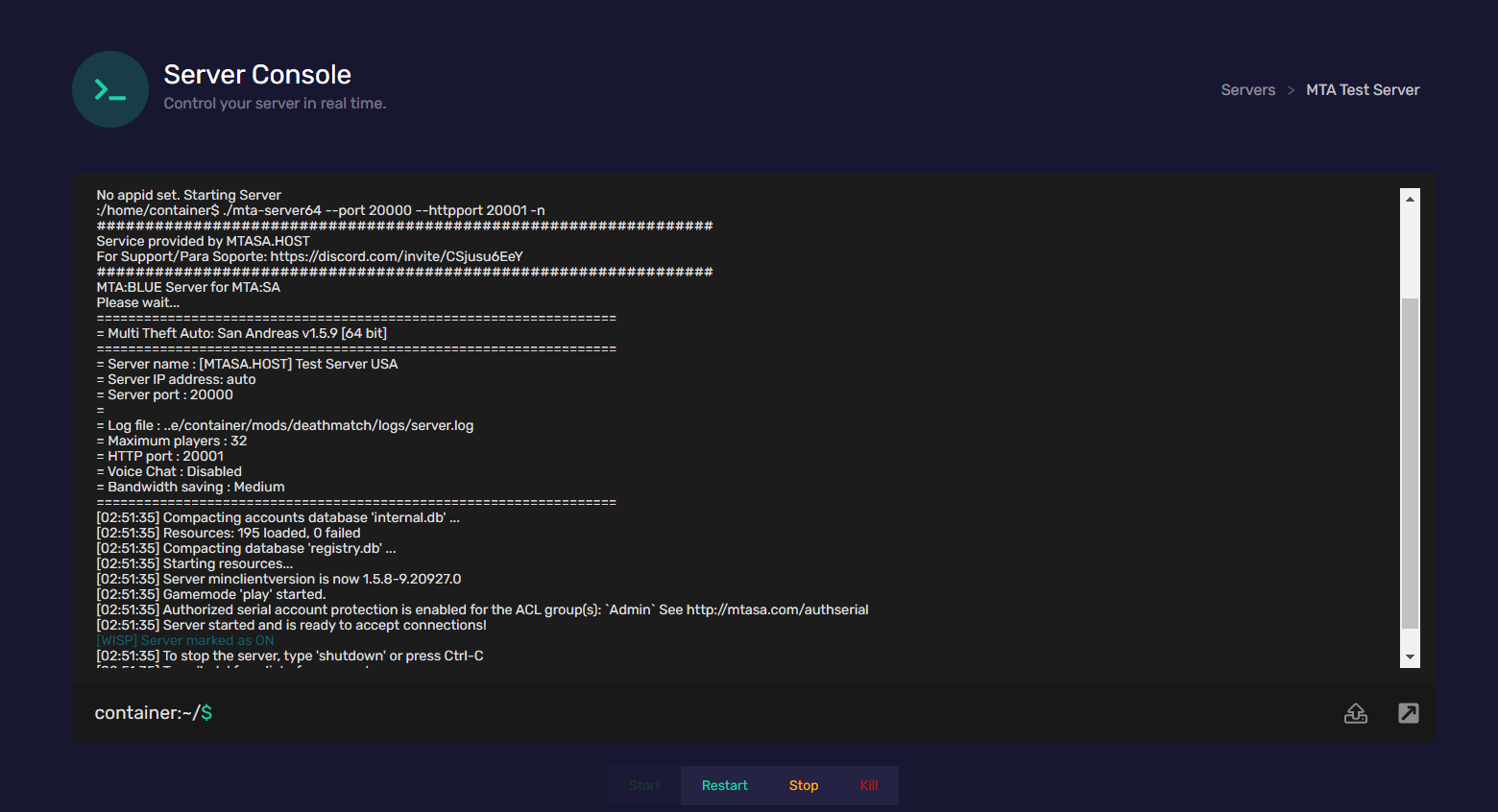
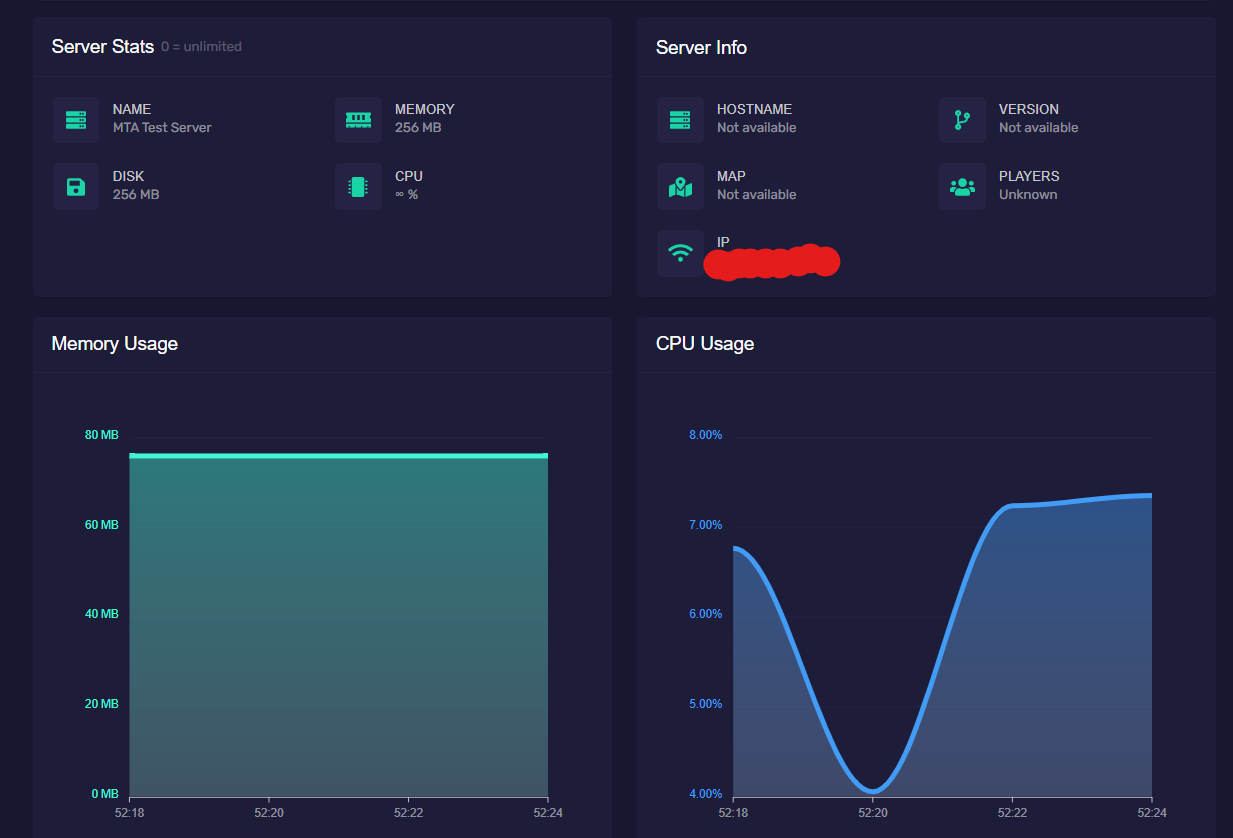
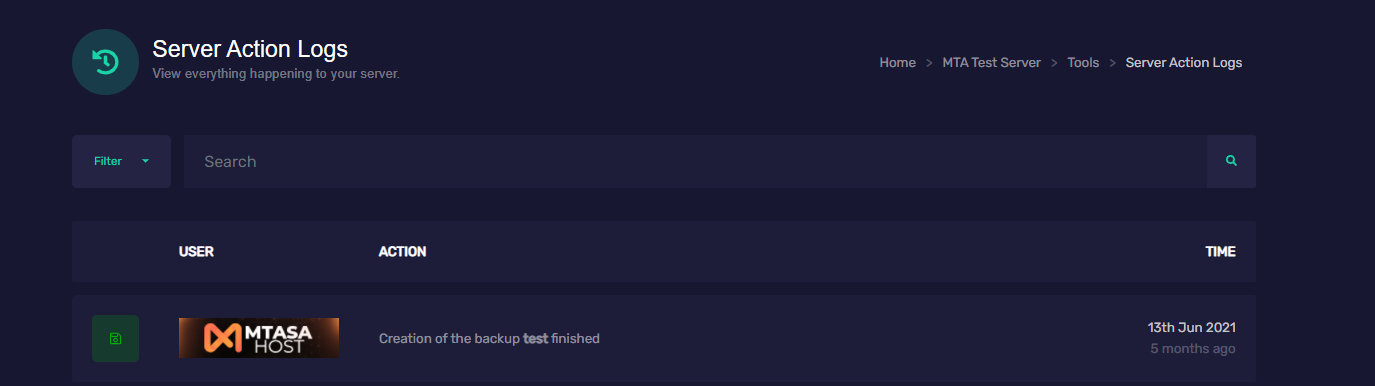
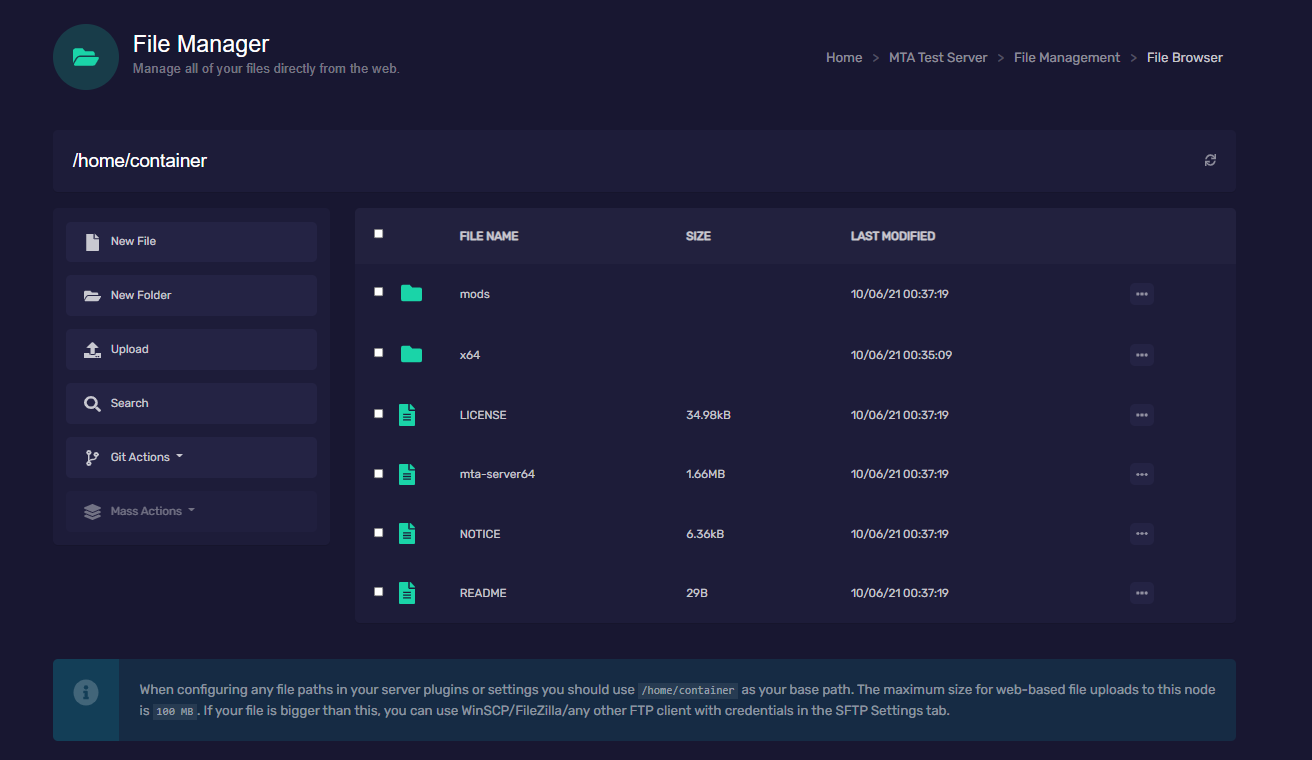
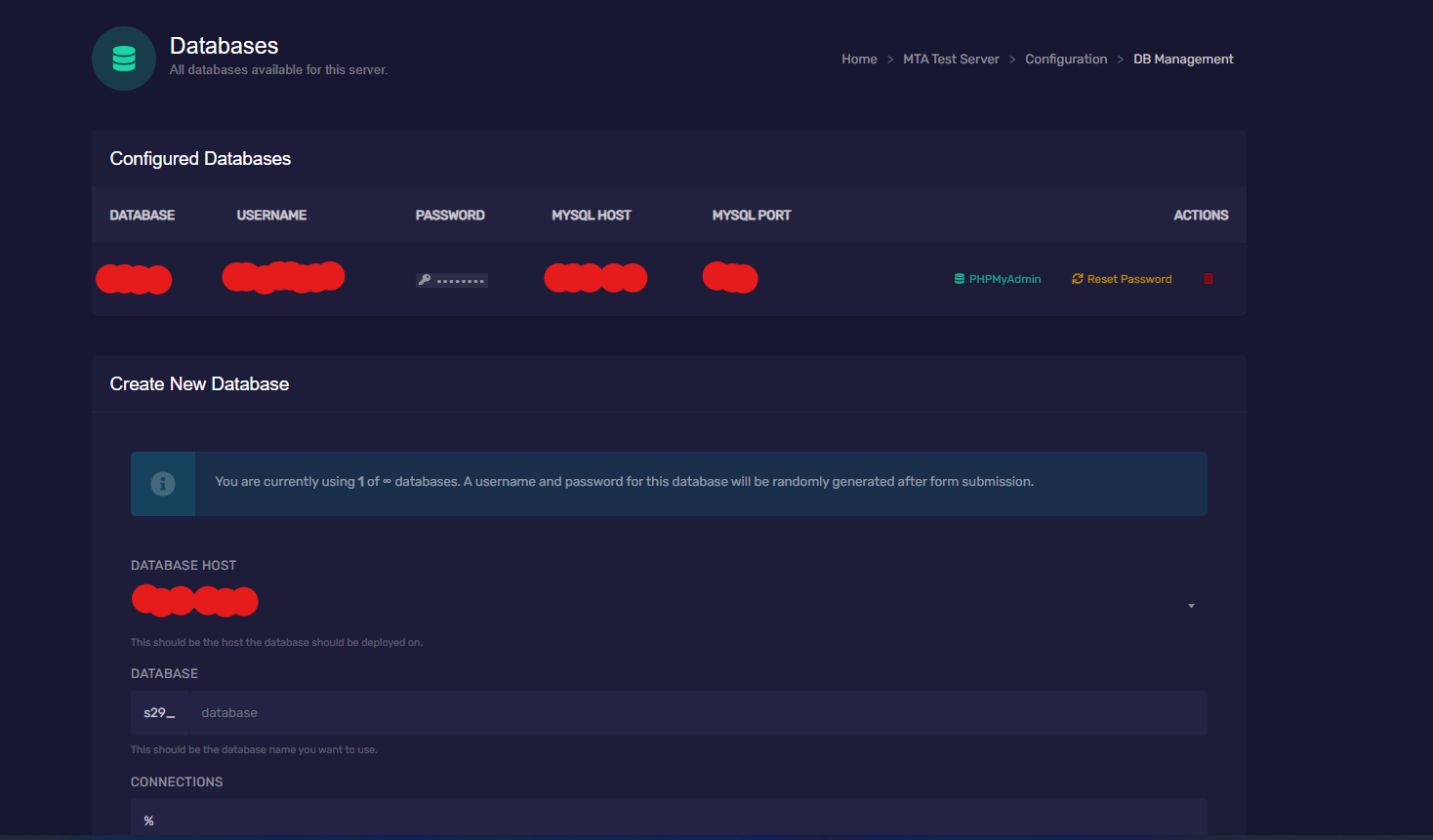
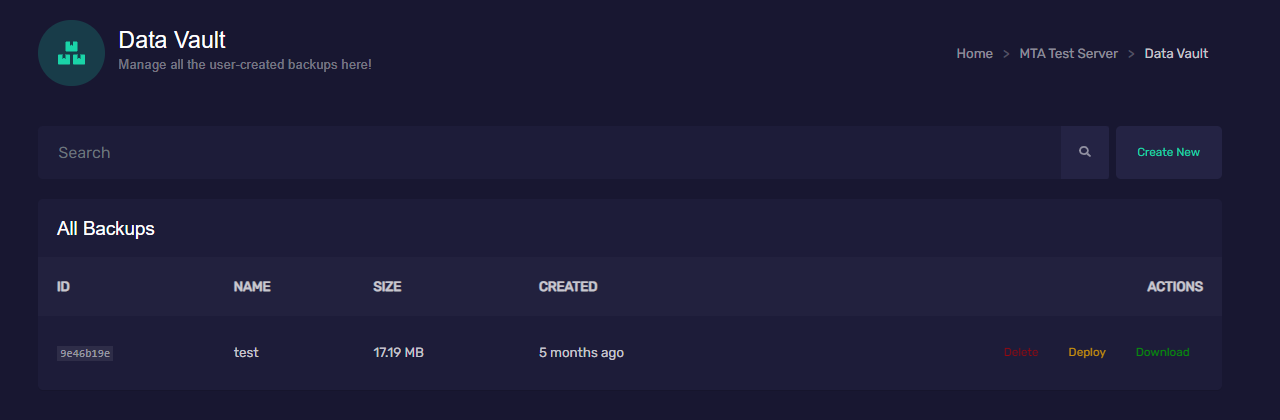
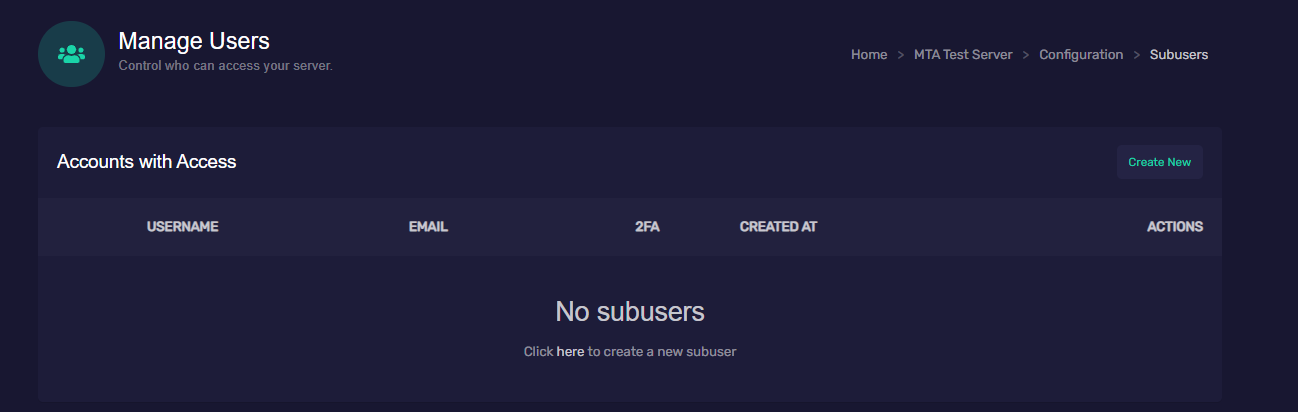
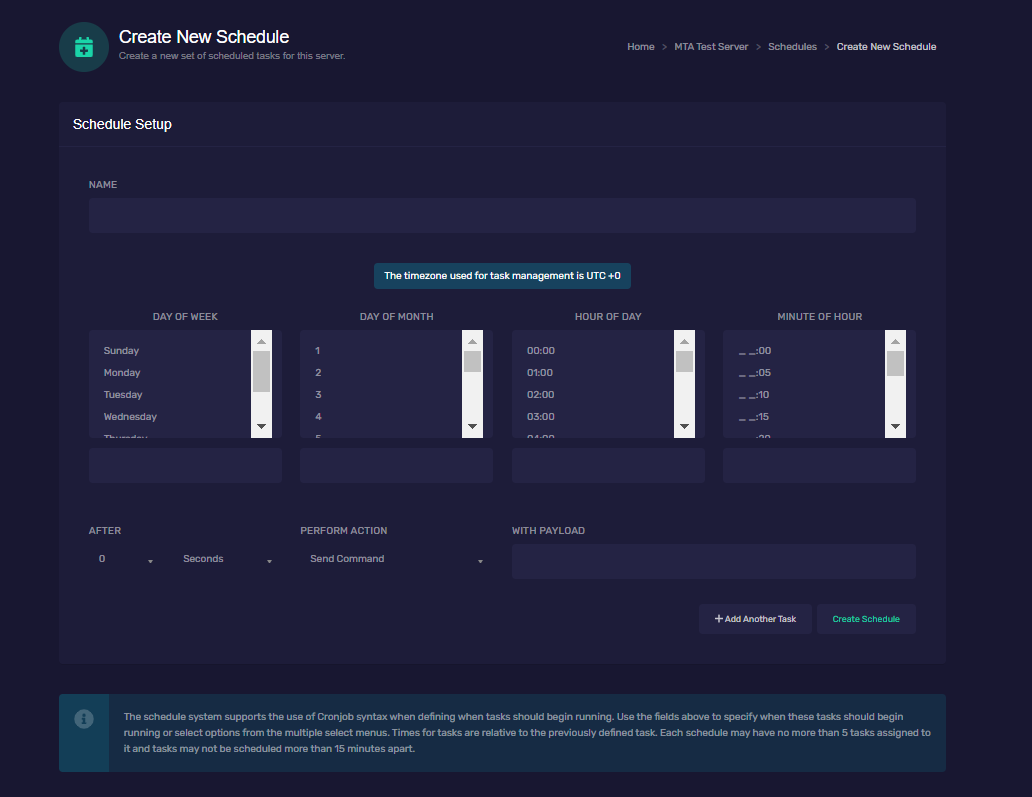
TUSERVER.AR MTASA.HOST is a hosting company that focuses on MTA:SA server hosting. We run each game server on an isolated docker container with minimum privileges offering maximum security when it comes to script and data protection. The docker images that we run were tailor made for running MTA servers with little to no overhead, making it one of the most compact and resource efficient ways to run a MTA Server. We started about 5 years ago initially under another name(Global Gaming Hosting), when we offered more game services other than MTA, but we realized that MTA needed a more dedicated hosting company like there already is for some other major games, like Minecraft, so we changed our business model to accommodate most of our efforts on hosting MTA Dedicated Servers. Our business model is resource usage based and not slot based, meaning we charge for resource usage rather than predefined slot amount. The amount of slots that you want to actually have, depends on you, as long as you are in within the resources you hired for the services you'll be all set. Some key features that we have: Resource based usage(not slot locked) Upgrade your plan anytime Game DDoS Mitigation Geo-routed frontend panel with fallbacks in case a region goes offline with a very good UI Fast support via discord SFTP MySQL Databases included with every plan Scheduled Tasks Data vault for backups Automatic MySQL backups No overselling(we keep our dedicated machines with a low load average to ensure max performance at all times) Instant activation after payment for all our payment methods Locations: North America, Europe, Latin America You can find a more detailed overview of our plans at our Website and custom plans may be made via a support request. Bellow some pictures of our panel: Visit our website at Link Disclaimer: TUSERVER.AR is a privately owned company and is in no way affiliated with MTA:SA in any way, nor it is affiliated with GTA: San Andreas or its stakeholders. All rights are reserved to their respective owners.
 1 point
 -
@Krokara @Mkl I have adjusted the scaling in the function because I forgot to half it. The scale_w and scale_h parameters are meant to be the world-coordinate units size of the texture.1 point
-
Thank you very much for testing it and telling me about this coding mistake! ? I have fixed the above code.1 point
-
The_GTA example works perfectly I have tested in-game and there is only a little mistake : local vx, vy, vz = ( ox - cx ), ( oy - cy ), ( oz - cz ); -- instead of local vx, vy, vz = ( ox - vx ), ( oy - vy ), ( oz - vz );1 point
-
NEW VERSION Project: San Andreas Hello! I offer a game mode for sale. The game mode was created by me and my friend (Nikee, Darell) There is a similar game mode, but we renewed it with our own hands and put a new one in it. This game mode is in my hands alone. The game mode is about 95% ready, you just need a few little things in it and it's complete. Upon request, I can add a facebook page and a forum with it. Server mod:(ACL,mtaserverconf,SQL,MOD) Forum page:(https://forum.sanandreas.hu) Server mod: 35 EUR Facebook page: 5 EUR Domain + Forum page: 10 EUR Pictures from the server: https://imgur.com/a/mbHRXtc Facebook: https://www.facebook.com/projectsa21 Buy server: https://payhip.com/b/BLT031 point
-
Hi, We currently have no plans to release a MTA Trilogy version as the game code just isn't there for us to see, however it is an option we would like to explore once Grand Theft Auto Trilogy is released.1 point
-
Please put the barprogress variable and use the script I gave you as template. Put the following line and other drawing code... dxDrawImage(botX+sizeX+343, botX2+sizeX2+701, 592/100*barprogress, 6, 'assets/progress_bar.png', 0, 0, 0, tocolor(43, 171, 226, 255), true) ... into the onClientRender event handler which is about line 13 of my script. Also, do not use dxDrawImage without dxCreateTexture.1 point
-
Haha, no no! That is not what you should do Let me explain. Inside the client events you should do what you previously did inside of the vehicle_left, vehicle_right key handlers! This is how your vehicle indicator scripts is executed on every game client on the server if one of them steers the vehicle left or right. Then you have to use triggerServerEvent inside of the vehicle_left and vehicle_right key handlers to send either onVehicleTurnOnIndicator or onVehicleTurnOffIndicator events, depending on if the key is pressed down or not. Imagine it like this: So try moving around the code on the client-side. What is now inside the key handlers should be put into the onClientVehicleTurnOn/OffIndicator event handlers. Then add new code into the bind key handlers to call the server events.1 point
-
You really seem to do baby steps, don't you? ? I hope you do learn Lua this way, but I did a tiny mistake: remove the first argument to triggerClientEvent and set the (now) second argument to (in your case) vehicle. Honestly, I just try to play along with your code, even if you invent things! I helped you by putting the indicator type into the triggerClientEvent. addEvent("onVehicleTurnOnIndicator", true); addEventHandler("onVehicleTurnOnIndicator", root, function(rightindicator) local vehicle = getPedOccupiedVehicle (client) if vehicle then triggerClientEvent ( "onClientVehicleTurnOnIndicator", vehicle, rightindicator) end end ); addEvent("onVehicleTurnOffIndicator", true); addEventHandler("onVehicleTurnOffIndicator", root, function(right_indicator) local vehicle = getPedOccupiedVehicle (client) if vehicle then triggerClientEvent ( "onClientVehicleTurnOffIndicator", vehicle, right_indicator) end end ); So this is the server-side portion of the script. Look at my advice again and try looking into the triggerServerEvent function for the client-side. I am going to sleep now and will most likely be back tomorrow evening.1 point